
Project GWN
Game Information
Developer
Black Rose GamesVersion
v0.12.2
Engine
Unreal Engine
Release Date
Aug 19, 2025
Last Update
Aug 18, 2026
Censorship
Uncensored
Overview
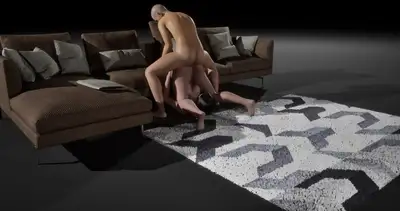
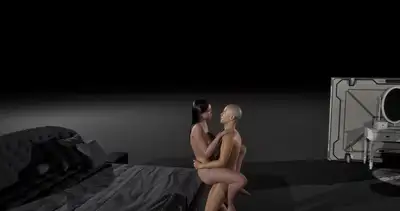
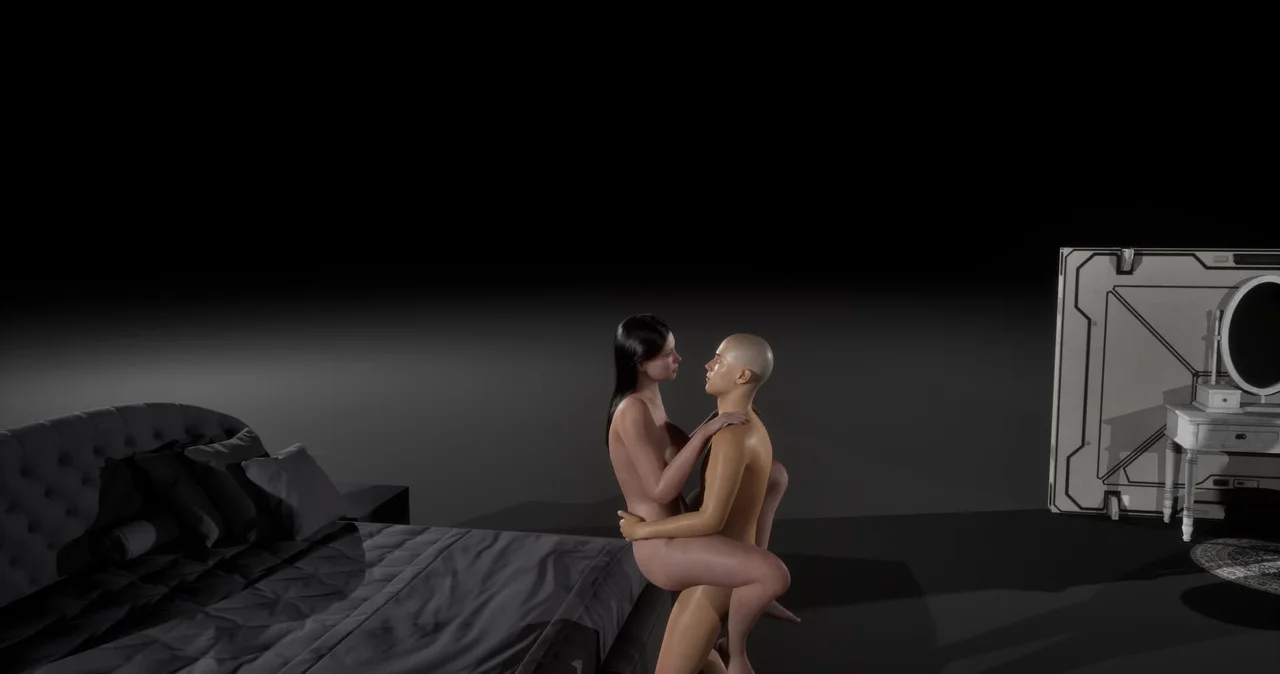
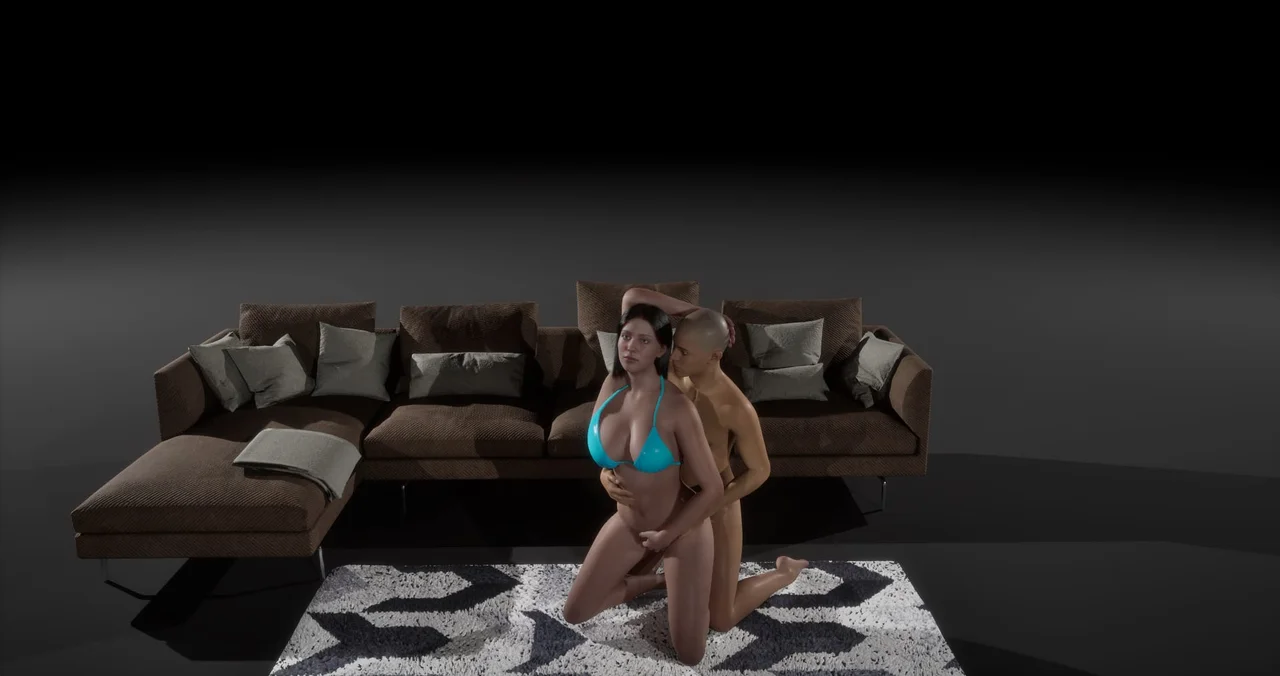
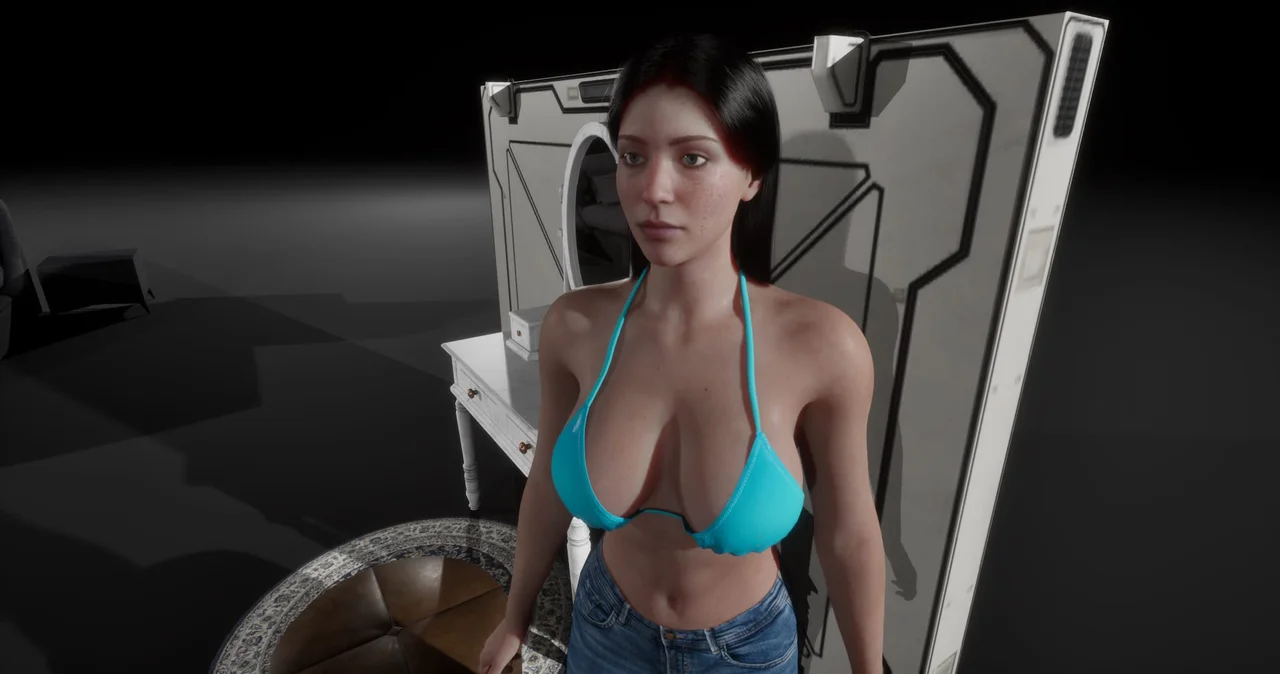
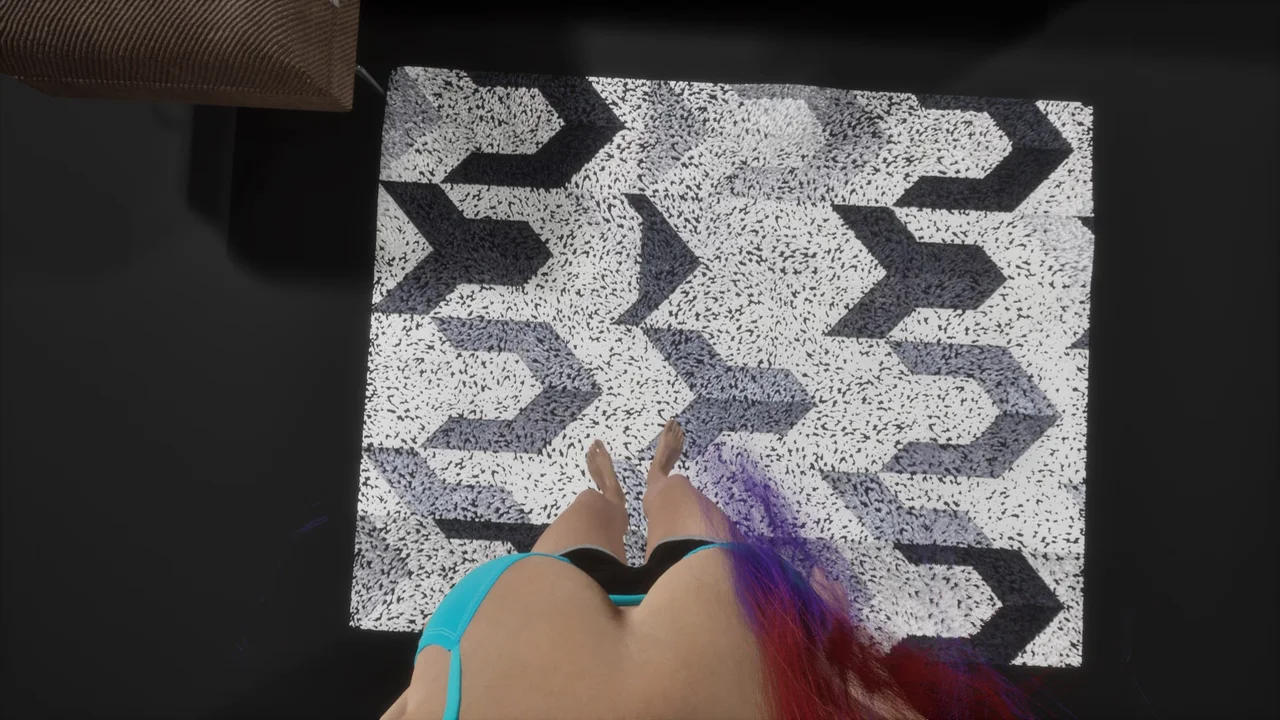
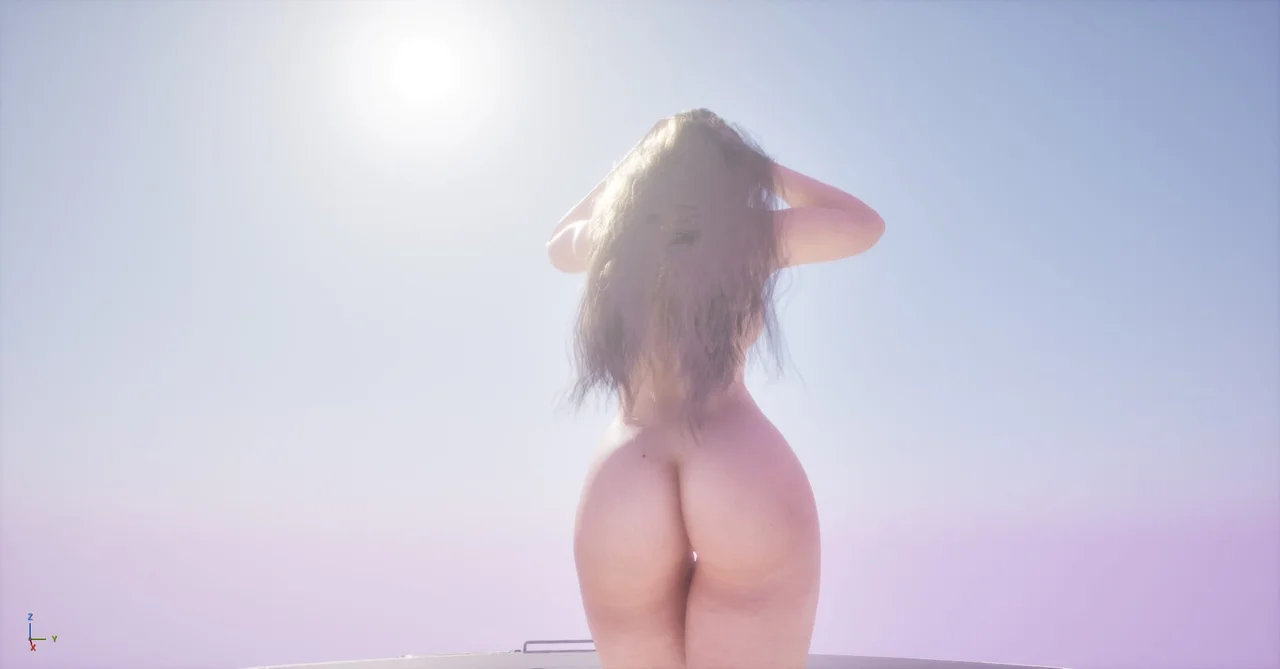
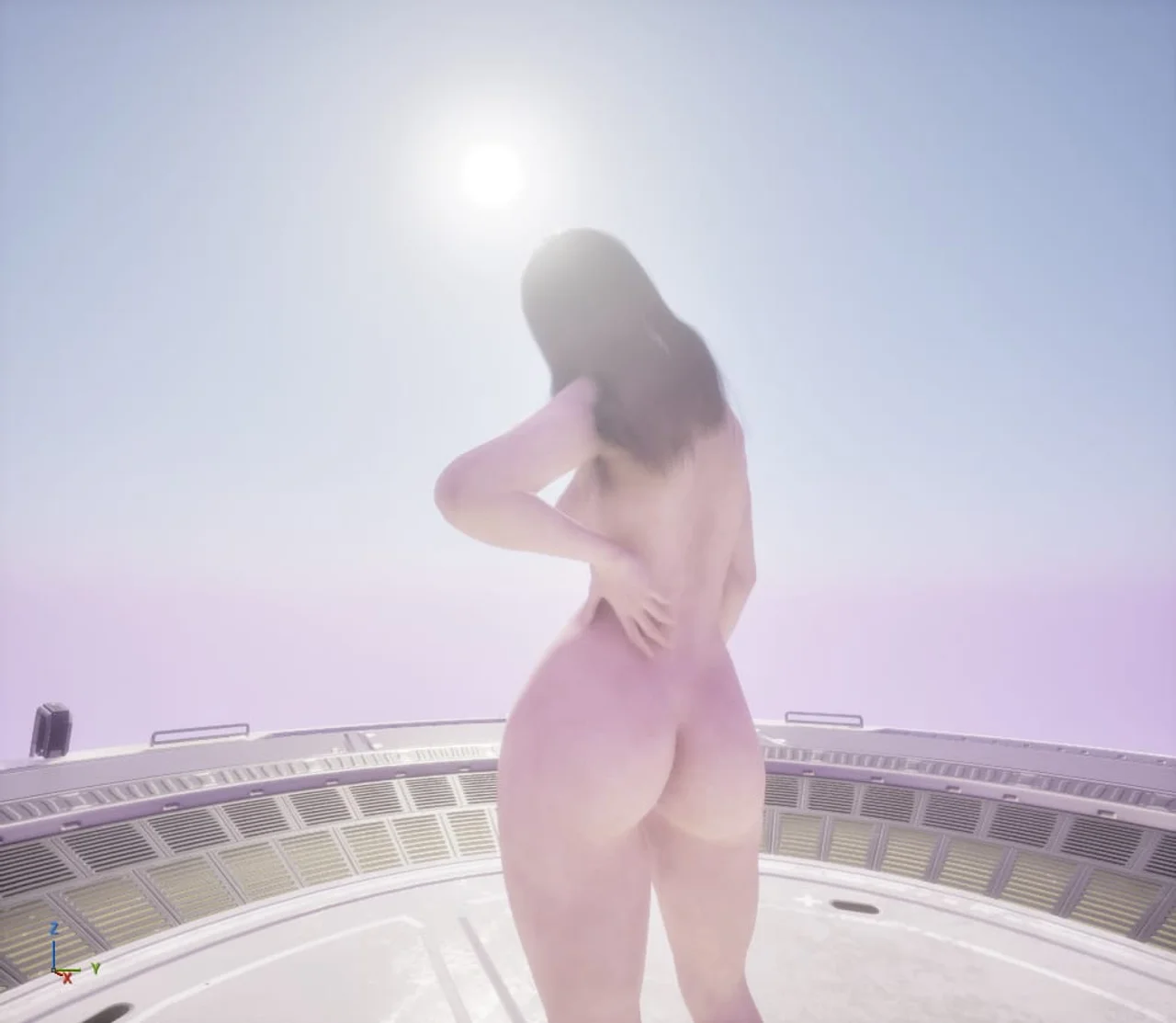
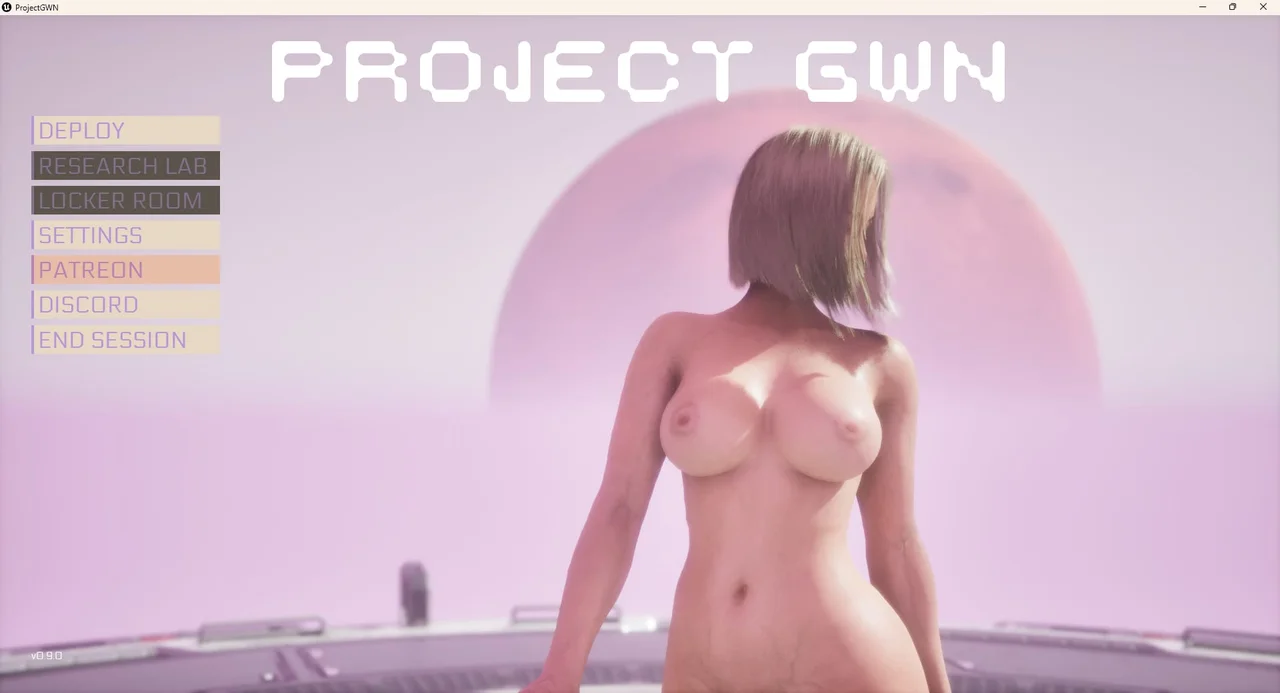
Project GWN is a 3D adult sandbox for players who want to shape their own digital cast rather than follow a set story. The tone is calm and open-ended, built around customization rather than events.
Gameplay
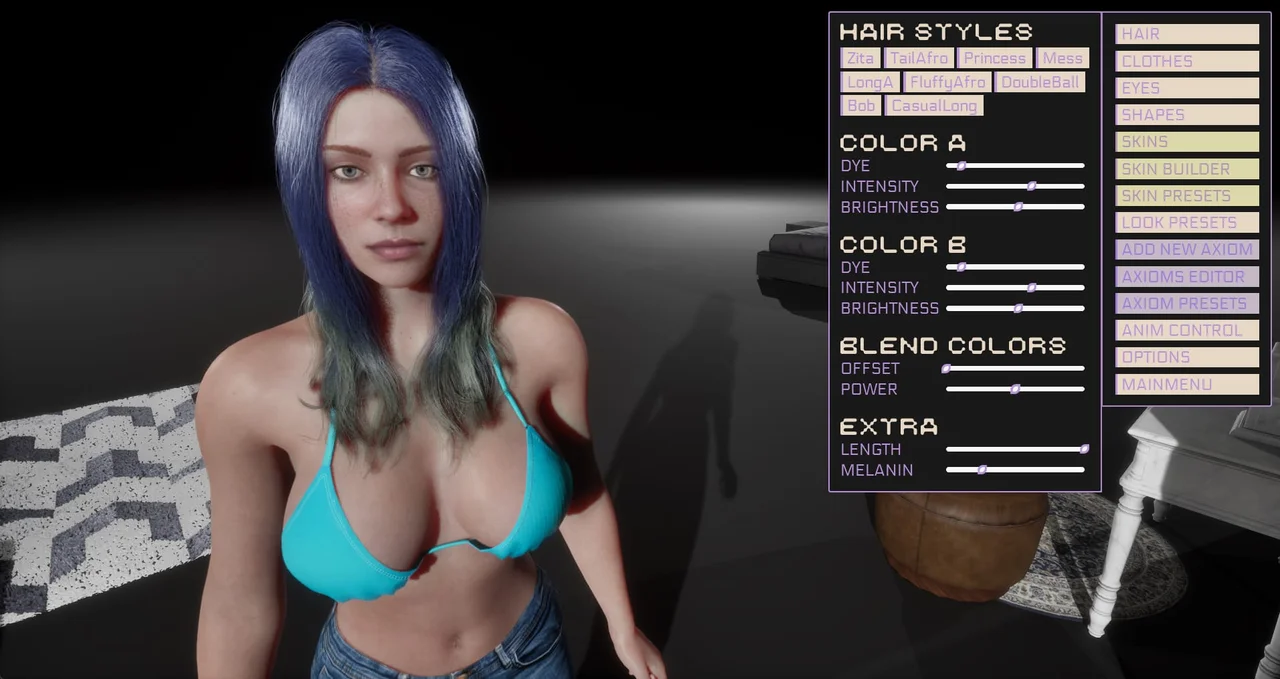
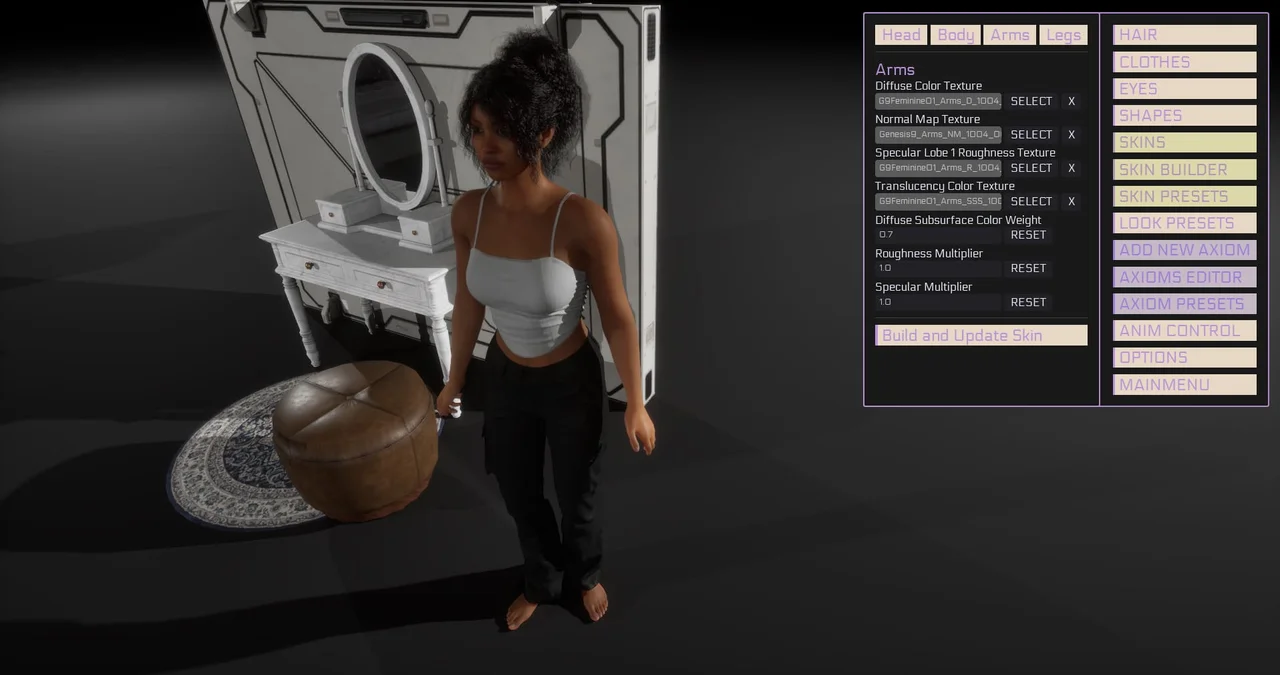
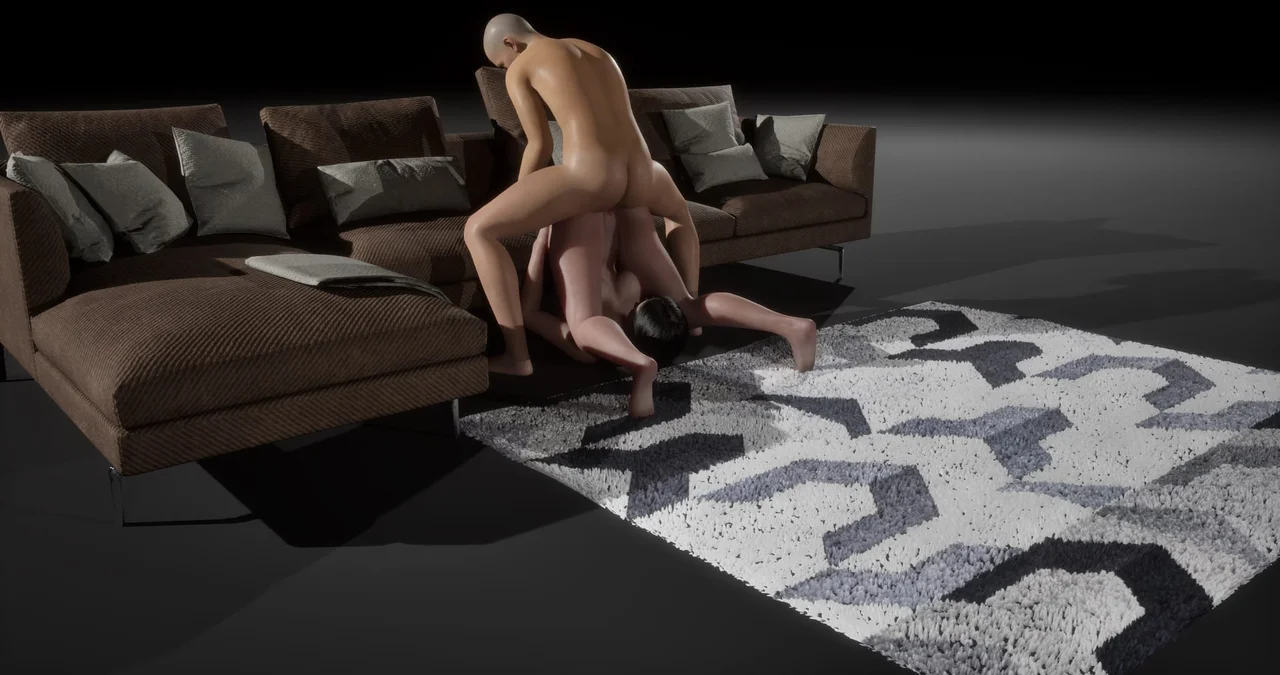
The core loop is management and creation: players build a roster of digital humans and adjust their appearance in detail, from hair and skin to body shape. There's no fixed objective beyond arranging the roster and interacting with the girls as they're customized.
Features
- Next-gen graphics rendering for the digital human models
- Detailed character-creation tools covering hair, shape, and skin
Installation
1. Extract the archive to a folder with free disk space.
2. Run the Windows executable from that folder.
3. Give it a minute on first launch while assets settle.
Changelog
v0.12.2
- DirectX 11 support
- Separated level editor UI and functionality (Keybind: L)
- Moved “Add new axiom” to Level Editor UI (”+ ADD” button)
- Removed the “AXIOMS EDITOR” in favor of the new UI
- Refactored the underlaying axiom system, made it more modular to allow for more axiom types
- Specific options per axiom type (Object, light, collision) like: Simulate Physics, Gravity, Cast Shadow, Light Radius etc.
- Added general option “Hidden” for all axioms that will show or hide an axiom in game
- Useful for triggers when the Scripting API will be released
- TIP: You can also Right Click any axiom to copy/paste transform, duplicate or delete
- WARN: Old levels are not compatible
v0.11.0
- Added 2 new skins
- Added new eyes
- Updated Eyelashes material (to not be metallic and act more like hair)
- Updated SSS (SubSurface Skin) profile
- Possible that in future updates to make it configurable in-game
- Better FirstPerson camera
- Head is not hidden anymore
- Adjusted the ThirdPerson cameras distance
- Reduced distance for both alternative views (Key 1) and for aim view too (Right Click)
- Adjustable Free Camera (Key 3) speed with mouse scrollwheel
- Smaller camera near clip - allows to get closer to the character without cutting geometry too soon
- Fixed the gizmo overlap causing the move/rotate/scale to fail
- Overlapping another axiom caused the gizmo to not register a click
- Fixed `Eyelash3`